


Knowledge Base
Notes
The Notes feature allows you to take notes on modules within a chapter, with also the option to share the notes among others.

Accessing the Notes
1. Navigate to a Chapter or Module page
2. Locate the Notes button in the top navigation bar
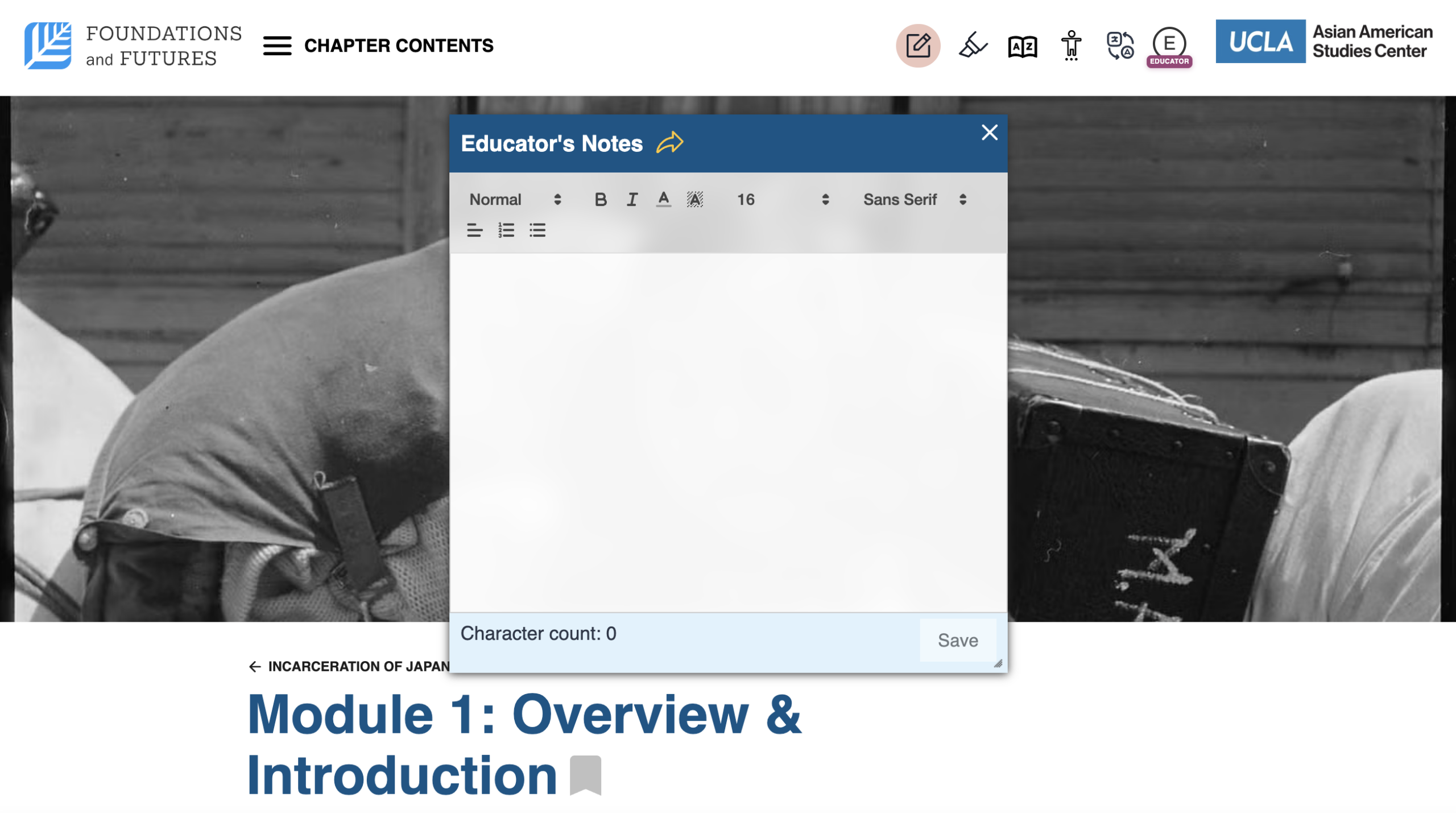
3. Clicking on the button will reveal the notepad, which includes customization options such as header size, font size, font type, alignment, etc.
Using the Notepad
– Add your notes to the text editor, utilizing the styling available
– Located on the bottom left corner you can view the character count of the text you typed
– Once you add your notes, you can save your work on the bottom right corner.
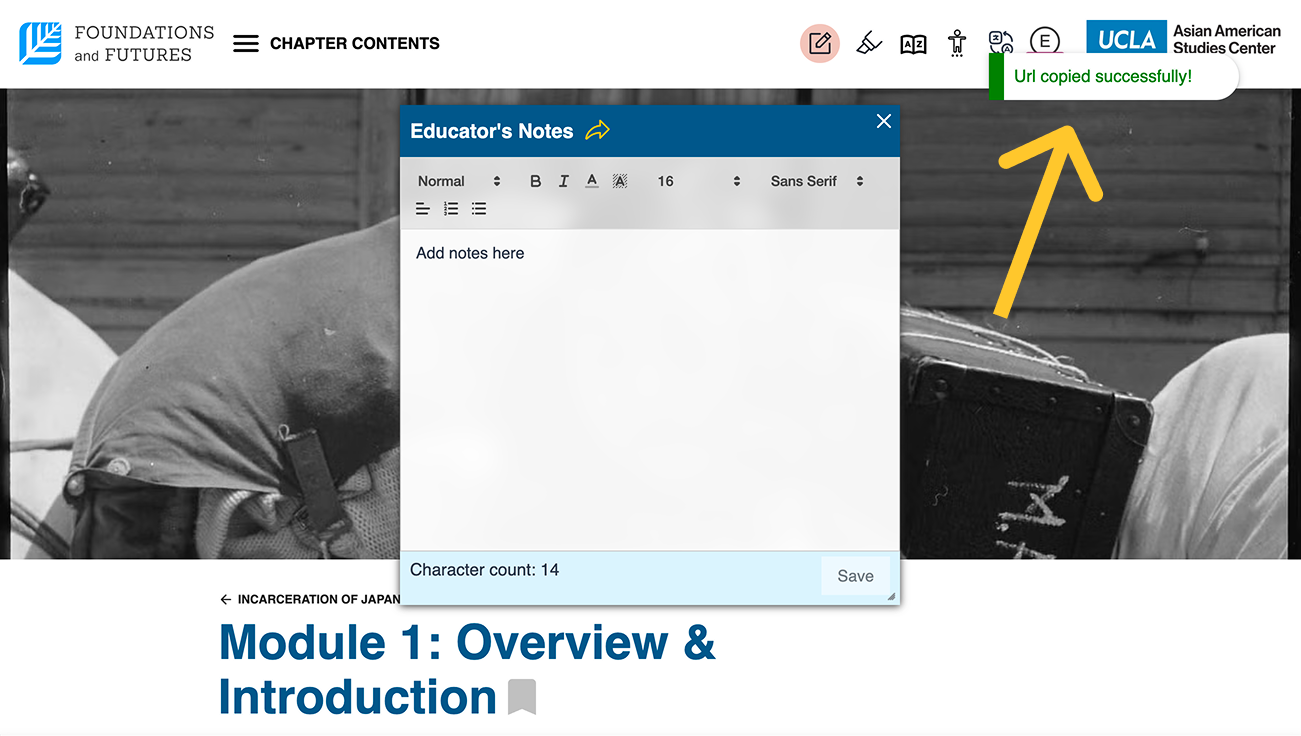
– To share your notes, click on the share icon near “Your name’s Notes” to generate and copy a link (a status message confirming it has been copied should pop up upon clicking)